You get the keys to your Smoky Mountain home at closing. But who can still unlock the front door from a phone, see the driveway camera, or change the thermostat? If you're buying or selling a home or cabin in Sevierville, Pigeon Forge, or Gatlinburg, make the smart-home handoff part of your closing plan.
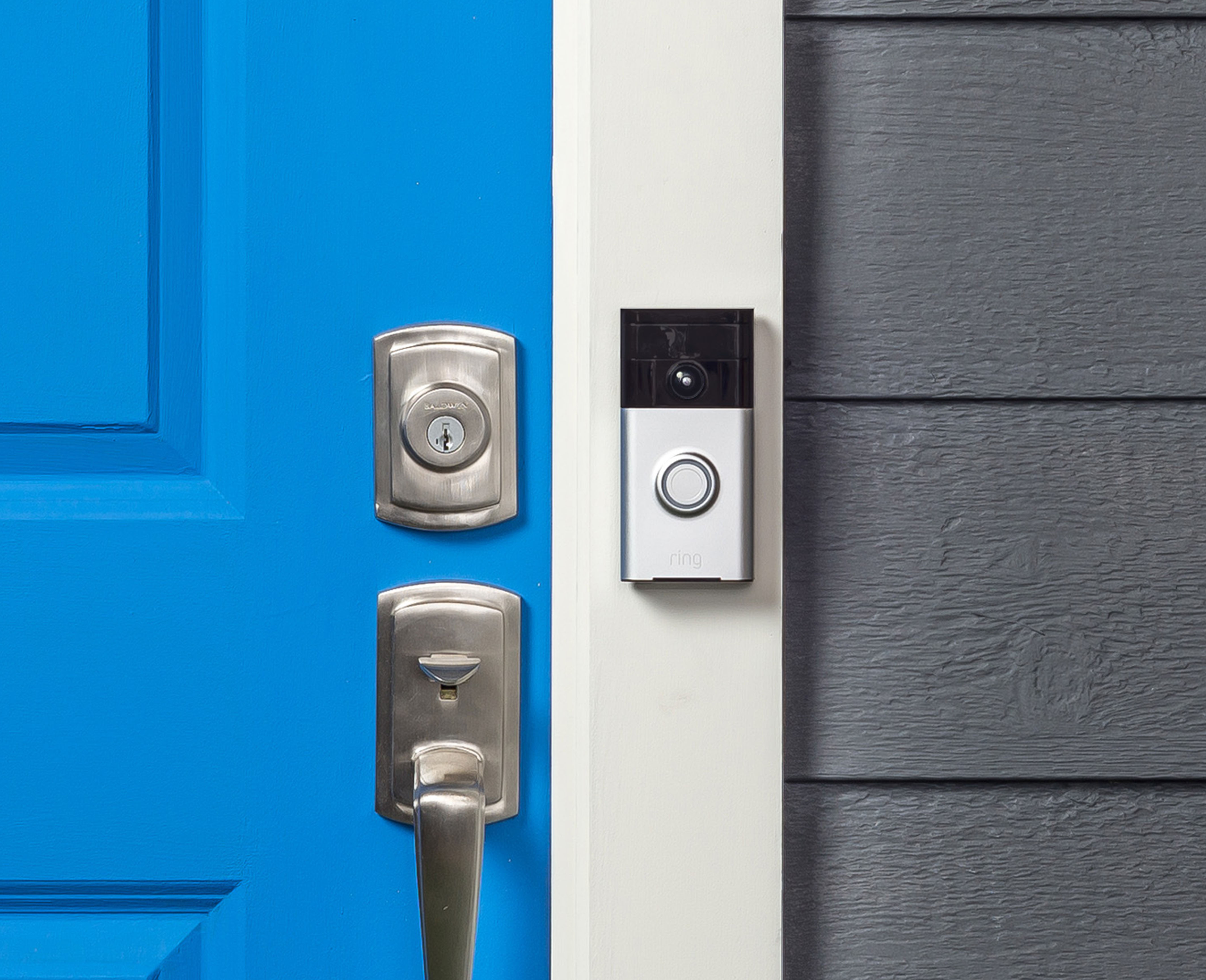
Before closing, write down what stays
Walk the property together or work through your agents to make an inventory. Include video doorbells, indoor and outdoor cameras, recorders, smart locks, garage controls, thermostats, alarm panels, and whole-home lighting or audio. List the hubs, remotes, power supplies, and setup keys those devices need. Ask your agent to document which items convey, who handles the transfer, and when access changes hands. Ask the provider whether any equipment is leased, whether monitoring or cloud recording needs a new subscription, and whether there are setup fees.
Ring doorbells and security cameras
Sellers: Save any clips you want to keep privately before deleting or resetting a device. In the Ring app, go to Settings, then Transfer Ownership under Location Details and follow the prompts for the devices staying with the home. Review subscription billing separately. Ring ownership transfer instructions
Buyers: Set up the doorbell or camera under your own account and test live view, doorbell alerts, and recording if your plan includes it. If Ring says the device is still registered to someone else, ask the seller to release it or use Request Ownership during setup. For other camera brands, follow the exact model's unlinking and reset steps. If the home has a wired recorder, include its administrator login, remote viewing accounts, and any footage stored on drives or memory cards in the handoff plan. Google Nest camera and doorbell reset instructions
Smart locks and garage doors
At possession, use the manufacturer's transfer or reset procedure, create a new administrator account where applicable, and replace old access codes. Review app users and connected services. Collect physical keys and remotes, and check whether the garage opener can clear missing remotes and keypad codes. Test a smart lock with the door open and keep a working key or other backup entry handy. Schlage Encode product support
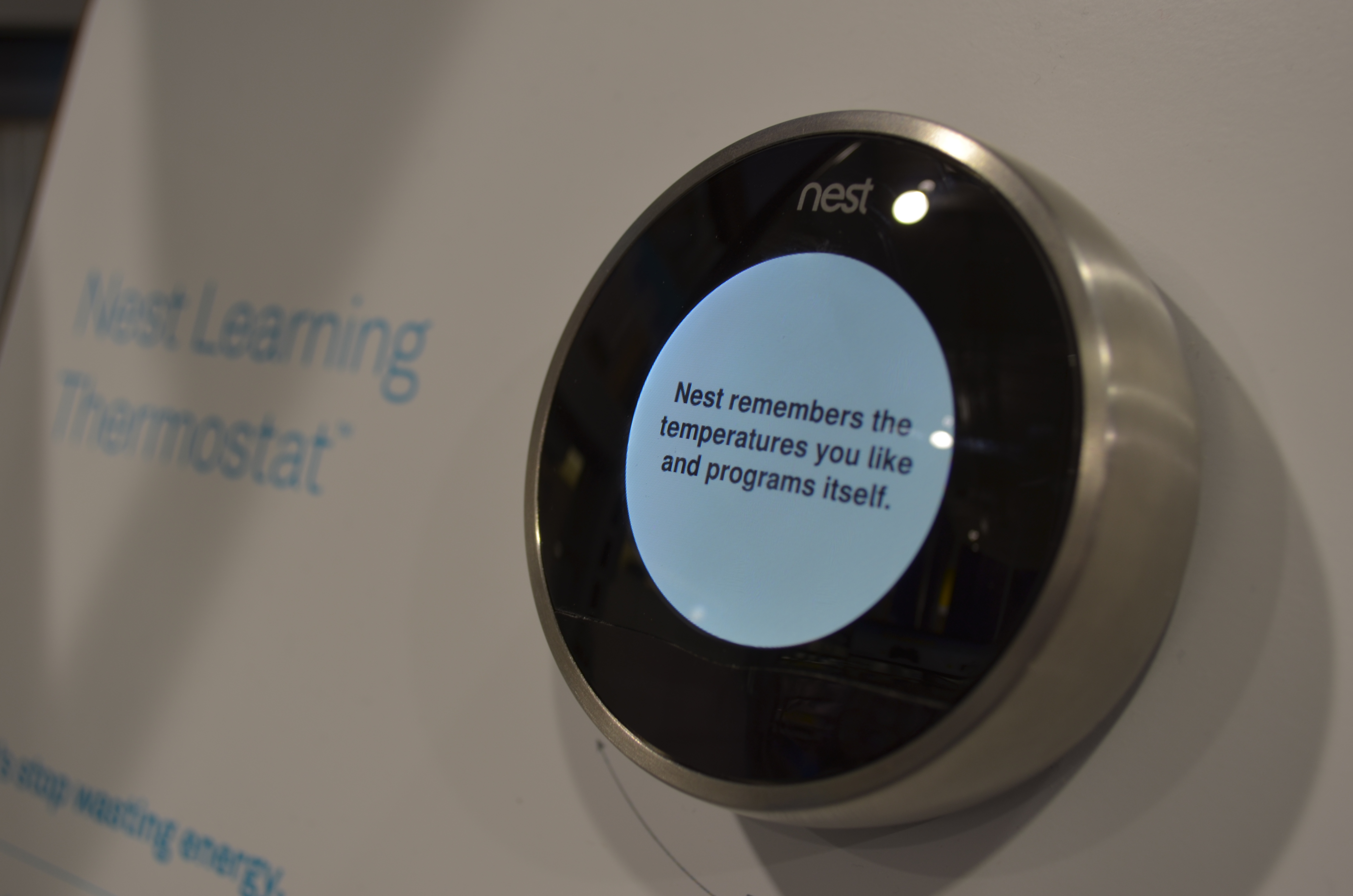
Thermostats, alarms, and whole-home systems
For a Nest or other smart thermostat, document the equipment settings first and follow the instructions for that model to disconnect the old account and reset personal settings. Once the buyer connects it, test the system at the wall and in the app. For a monitored alarm, coordinate with the provider to update the account, emergency contacts, and passcodes and schedule a test at handoff. Google Nest thermostat reset instructions
For an installer-managed system such as Control4, call the dealer before closing. Ask how to transfer administrator control, remove the seller's remote access, and preserve programming for lighting, shades, audio, and other linked equipment. Arrange a walkthrough and check whether the buyer needs a service visit or subscription. A dealer can advise which settings to preserve before anyone resets the central controller. Control4 dealer support
Closing-day checklist
- Seller: Release included devices at the agreed handoff time. Remove household members, cleaners, and other shared users as applicable. Give the buyer manuals, setup codes, keys, and installer contacts privately. Keep personal account passwords private.
- Buyer: Connect devices to your own Wi-Fi and accounts. Use unique passwords and enable two-step verification where available. Check the user list and test camera alerts, locks, garage controls, and climate settings before relying on them remotely.
- For a rental cabin: Coordinate the lock and Wi-Fi change with the next check-in. Reissue access for cleaners and property managers and reconnect any lock integration that sends guest codes. Keep a backup entry method available while you test it.
Buying or selling in the Smokies? Ask your TN Smoky Mtn Realty agent to add the smart-home handoff to your closing checklist.